
Casual Visits & Bookings
Can I attend Group Fitness classes as a casual visitor?
Yes. Casual visitors are welcome to attend Group Fitness classes, subject to availability. *Reformer Pilates is available to members only and cannot be booked casually.
How do I book a class as a casual visitor?
Casual visits must be purchased at reception before attending a class. Once your visit has been purchased, our team can assist you with booking into an available class.
Can I purchase a casual visit online?
No. Casual Group Fitness visits are currently available for purchase at reception.
Do I need to book in advance?
Casual Group Fitness bookings can be made up to 2 hours before the class starts.
Can I attend Reformer Pilates casually?
No - Our reformer pilates studio has 15 beds and due to the limited number we provide these classes exclusively for our members.
How do I cancel a Casual class?
Casual bookings are final and cannot be cancelled or refunded. Please check the class time before purchasing your casual visit.
Cancelling a Class
How do I cancel my booking?
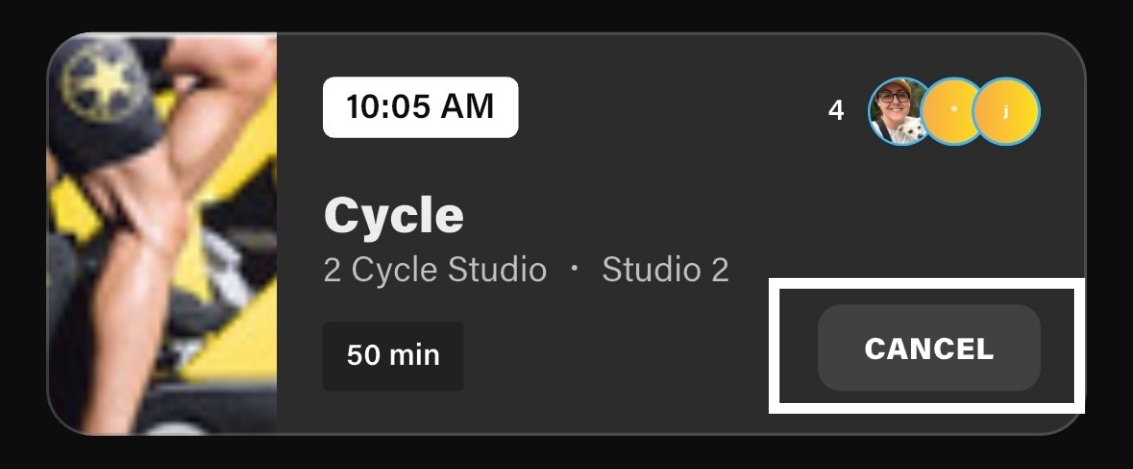
If you can no longer attend, open the Technogym app, navigate to your upcoming bookings and select Cancel. Cancelling your booking allows another member to take your place.
When do I need to cancel?
You must cancel your booking at least 2 hours before the class starts.
What happens if I miss a class?
Members who miss 2 booked classes within a 7-day period without cancelling will have their online booking access temporarily paused. During this time, classes can still be booked at reception.
What if it's less than 2 hours before my class?
If you're unable to attend and your class is due to start within 2 hours, please contact your local centre as soon as possible. Our team can assist with cancelling your booking and ensuring your place can be offered to another member.
Booking Classes
How do I book a class?
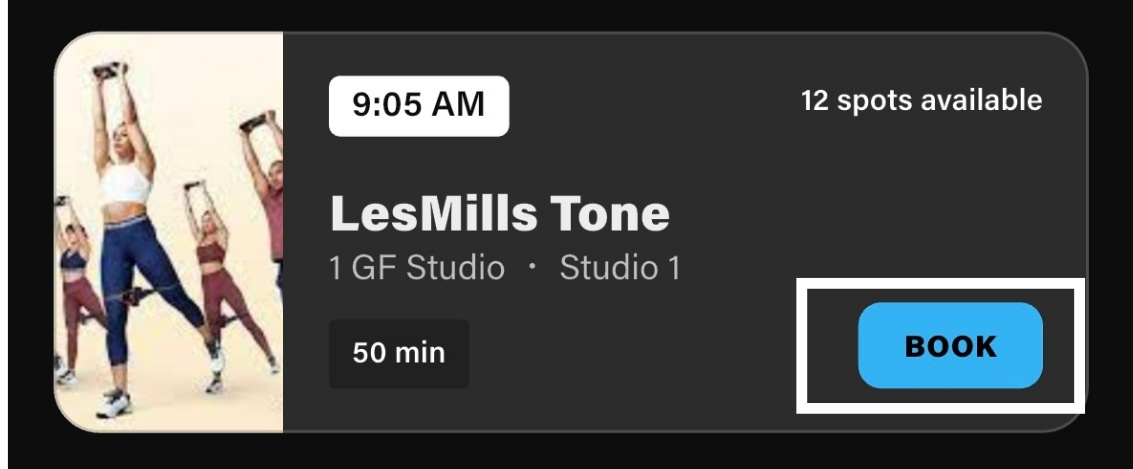
Download the Technogym app, select your preferred centre and browse available Group Fitness classes. Once you've found a class you'd like to attend, simply select Book.
Can I book multiple classes?
Yes. Members can book multiple classes, provided spaces are available and bookings are made within the booking window.
Class Notifications
How do I get notified when a class becomes available to book?
You can follow classes in the Technogym app to receive a notification when bookings open. Simply find the class you're interested in and select Follow.
Once you're following a class, you'll receive a notification when bookings become available.
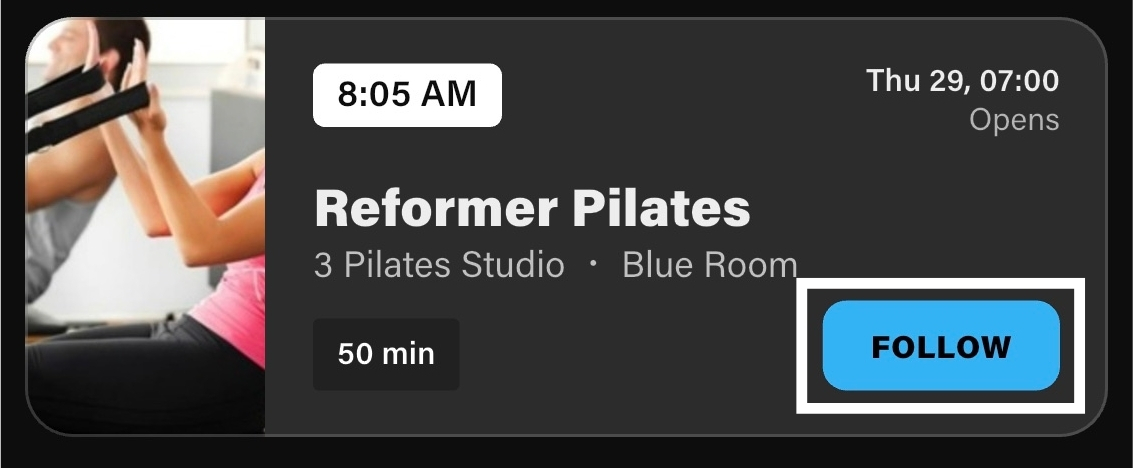
Tap Follow on your preferred class to receive booking notifications.
What Should I Bring?
For most classes, we recommend bringing:
- A drink bottle
- A towel
- Comfortable exercise clothing
- Enclosed athletic footwear
Some classes may have specific equipment requirements. Your instructor will let you know if anything additional is required.
New to Group Fitness?
Whether you're looking to build strength, improve fitness, increase flexibility or simply stay active, we have a class for you. Explore our class descriptions to find a class that matches your goals, fitness level and interests.

